Quick Guide (<20min)
Migrate from n8n or Make
Median read time: 01 min 59 sec
Migrate Your Workflows in 3 Easy Steps ✨
Bringing your automations into Glow couldn’t be simpler. Our smart importer maps the steps, apps and logic from your old workflows directly into Glow's architecture, so you can pick up right where you left off.1. Export from Your Old Platform
In Make or n8n, open your workflow/scenario and choose Export as JSON (you’ll usually find this in the workflow’s settings). Save the file to your computer.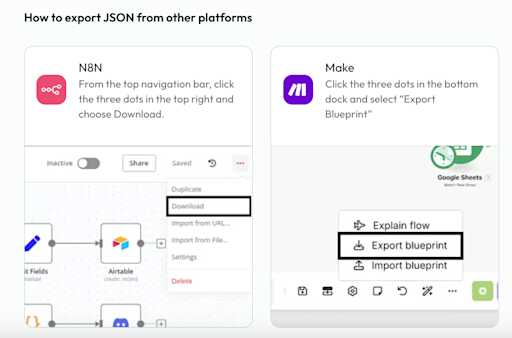
2. Upload to Glow
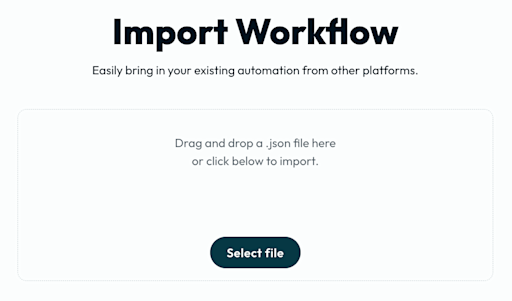
Log in to your Glow account, head to the workflow section. Here you can press the 'Import JSON' button and drag-and-drop (or select) the JSON file you just exported.